
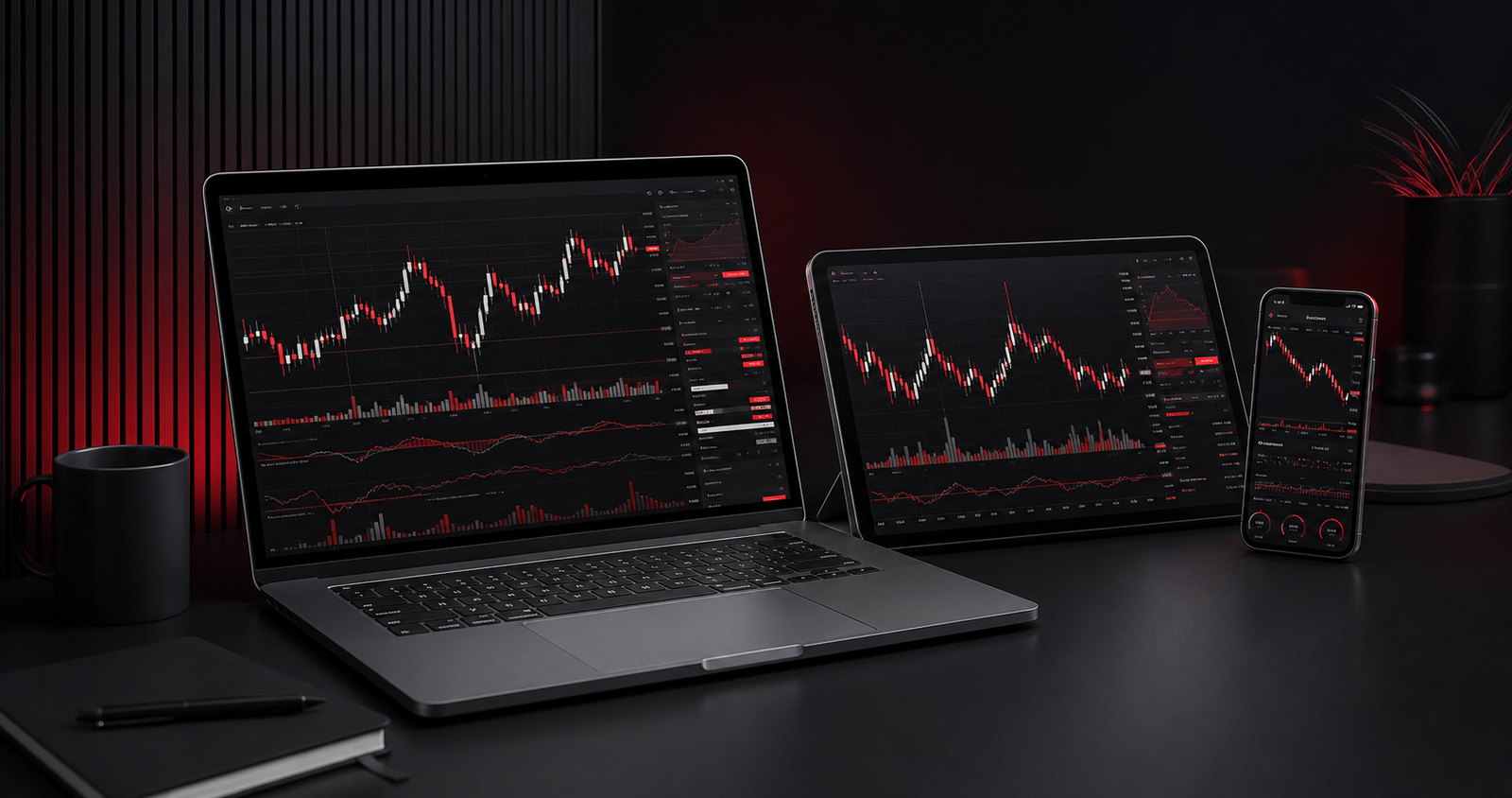
HP-COSMOS EA
HP-COSMOS EA guide - session-based automation for NAS100 on MT5
01 · EA INQUIRY MARKETS
Product groups for EA purchase enquiries
HP-COSMOS NAS100
The HP-COSMOS build confirmed so far is based on running NAS100-type symbols on M5 in MetaTrader 5. Broker-specific symbol suffixes and contract specifications are checked before installation.
Gold EA enquiry
For an XAUUSD-specific EA we check spreads, minimum trade size, trading hours and behaviour in fast-moving periods separately. It is not treated as covered by default in the HP-COSMOS NAS100 build.
Forex EA enquiry
Enquiries specify the target pair such as EURUSD, the timeframe, the broker server time and the contract specification. Compatibility across several pairs is not guaranteed before it has been verified.
Bitcoin EA enquiry
We first check the symbol code, trading hours, spread and contract unit of the bitcoin-type instrument offered on MT5. A spot exchange bot and an MT5 CFD EA are separate things.
02 · OPERATING ENVIRONMENT
The MT5 and NAS100 M5 operating environment
MetaTrader 5 desktop
It is built to run in the MT5 desktop terminal. Check your account, server and broker trading terms, and whether automated trading is permitted, first.
Automated entry on NAS100 M5
Automated entry is based on the M5 chart of NAS100-type symbols. On any other timeframe, only the manual cockpit functions are available, not automated entry.
Asian, European and US sessions
Hours and rules can be set independently per session, and broker server time is what the EA uses to judge time. Do not confuse it with your local time.
Startup compatibility guard
It checks the registered account, whether it is a demo or live account, the NAS100-type symbol, duplicate M5 instances and required resources, and is designed to abort startup if the conditions are not met.
03 · SELECTABLE RULE ENGINES
Selectable rule-based entry structure
Opening range breakout and retest
It forms entry candidates from a breakout of, or a retest of, the range set early in the session.
Liquidity sweep and wick rejection
It evaluates entry candidates by combining a reversal after a recent range break with candle wick rejection.
Band and RSI conditions
Bollinger Band squeeze and reversal, RSI and divergence, and regime-dependent RSI and band combinations can all be selected in the settings.
Optional R5 path
A separate R5 direction and entry rule path can be selected. It is a fixed rule-based path, not a feature that predicts market direction or results.
04 · POSITION & COCKPIT
Position management and the operating cockpit
Optional exit rules
You can configure a full close at session end, a move to break-even, an ATR-based chandelier trail, and optional close-price or failed-condition exits.
Risk and entry limits
It controls size as a percentage of balance, the initial stop, a maximum spread, the entry count and a re-entry wait time. These controls do not guarantee that real losses stay within the values you set.
Status cockpit
The current session and time remaining, the selected engine and filters, spread, exposure and run state are all visible on screen.
Manual intervention
Manual entry, a 50% close and a full close are available, so have a procedure ready to halt automated execution and inspect the account when orders behave abnormally, the connection fails or the market moves sharply.
05 · RISK BEFORE USE
Risk checks before going live
Losses can be magnified
Leverage magnifies losses as quickly as gains. Whether or not you use an EA, check in your trading terms whether you could lose your entire deposit or incur further costs.
Plan versus actual execution
Gaps, slippage, spread widening, broker server time and connection failures can all make your entry, stop and exit prices and sizes differ from the plan.
The defaults are not recommendations
Depending on your account size, the default risk value and minimum-lot option can exceed the risk percentage you intended. Check for yourself whether protective options such as the daily loss lock are active, and start from a low risk setting.
No verified returns, no performance promise
This guide contains no verified rate of return and no basis for guaranteeing profit. Backtests and past results do not guarantee future performance either.
06 · PRICE & ELIGIBILITY
Who it is for, and the indicative price
Free for new community referral members
Whether you qualify as a new referral member, and on what terms, is confirmed with the desk by checking the membership relationship and the applicable criteria.
General members USD 3,000
The indicative price for general members is USD 3,000. Confirm the payment method and currency, the installation support included, and the update and technical support period with the desk before applying.
Check before you buy
Confirm the supported platform, the installation environment, how many machines the licence covers and whether it can be transferred, both in the consultation and in writing.
No performance guarantee
Backtests and past results do not guarantee future performance. Using an EA is not a solicitation to invest, and the risk of loss and responsibility for running it rest with you.