TokenAI l (YYAI) en l Send Memo l Join
EQ NOVA membership registration process
After signing up for EQ-NOVA and ViaBTC, link
Join EQ NOVA
- Open the referral link sent by the referrer and sign up for membership.
EQ NOVA membership link: https://member.eq-nova.com/Register?refid=20397639498&placeid=9899F8ZBLT
- To register as a member, create an ID and register an email address.
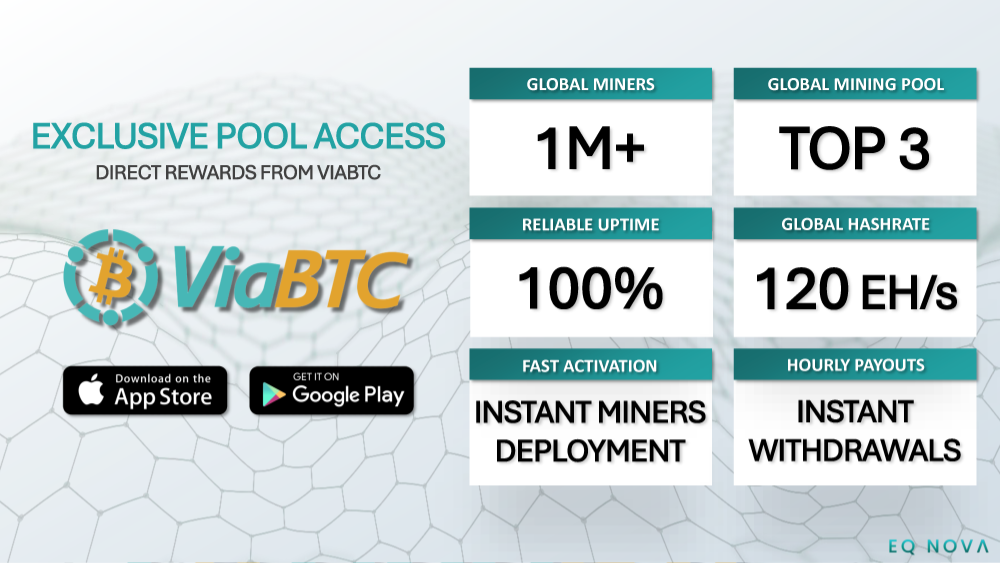
Sign up for Via BTC (Mining App)
- Search for the ViaBTC app in the Google Play Store and install the app.
ViaBTC signup link: https://www.viabtc.info/signup?refer=2157801
- Open the ViaBTC app and sign up (create an ID and register your email address).
- After signing up, click on the person icon in the upper right corner of the home screen and click on Account Management.
- Take a screenshot (capture) to create a picture and write down your name.
Link (Via BTC > EQ NOVA)
1) Log in to EQ Nova and click on the person icon in the upper right corner.
2) Touch the first profile > Touch "View ViaBTC Account"
3) Enter your ViaBTC ID, enter your email address, and attach a photo (a screenshot taken from ViaBTC).
After about 5 minutes, check if the connection is complete.
※ Note! Be sure to sign up for EQ-NOVA and ViaBTC.
※ You must enter the same email address and ID.
※ Please enter both EQ-NOVA and ViaBTC identically, case-sensitive.
※ Please note that approval will absolutely not be possible if they are not identical.
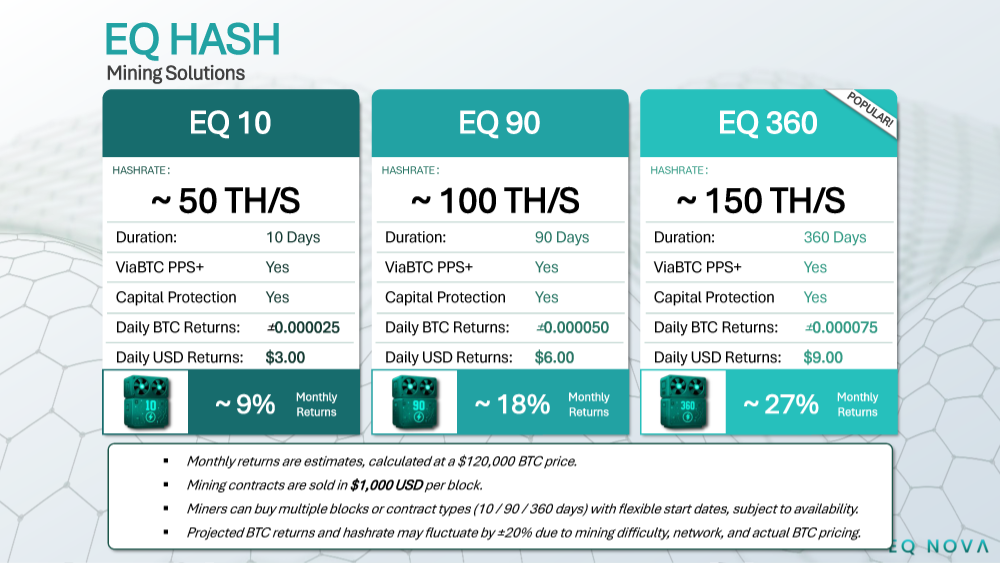
To purchase products, deposit USDT into EQ-Nova.


 ViaBTC
 EQ NOVA Notice



 Copyright © 2024 TokenAI. All Rights Reserved.